
These third-party Add-Ons are listed here for the convenience of our users, and any listing here is not a recommendation or endorsement of the plugin's fitness or suitability for any purpose. Visit the developer's website to purchase or download this third-party add-on.
This plugin is supported by the developer on their site. We do not provide direct support for this add-on.
Add-On Description
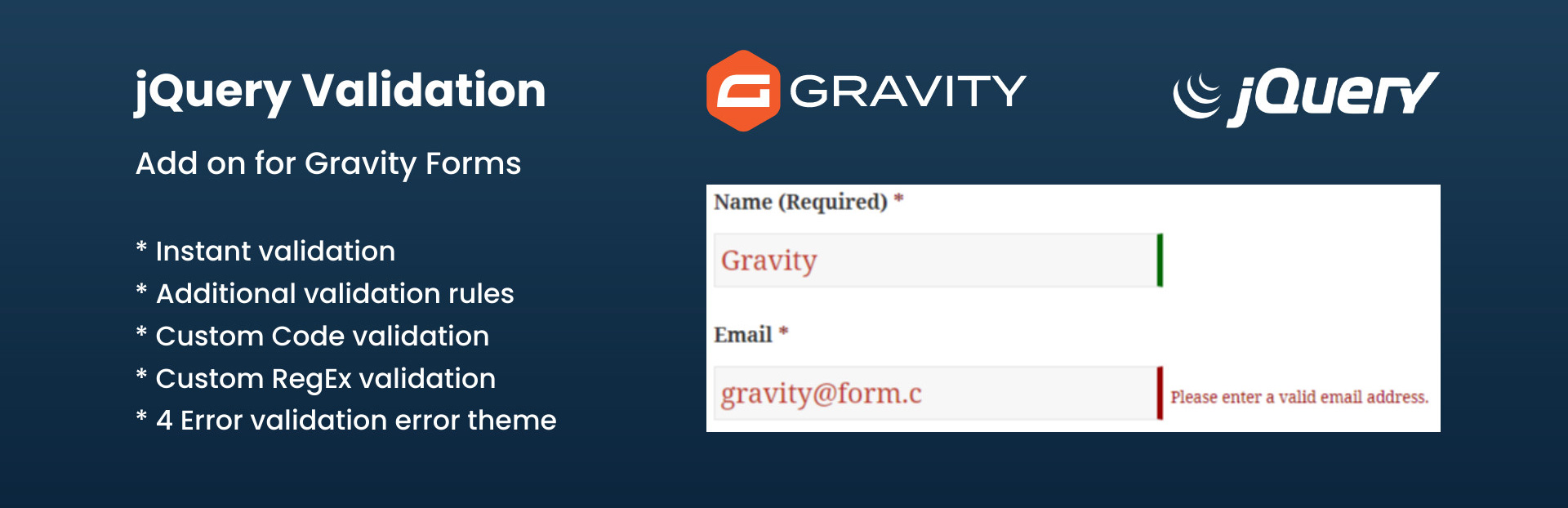
This add on adds jquery form validation to your Gravity Forms. You will be able to validate extra validation rules like: US phone number, states, iban, credit card in the gravity form fields.
Benefits you get from this plugins.
* Adds Jquery Validation to Gravity Form Fields.
* More faster and quick validation than of core validation.
* Field Highlight features for invalid field data types.
* Error message for individual fields.
* Easy to to add validation rules. Just add class in fields.
* Interactive validation that your users love.
* Works with multiple forms.
Validation Methods available are :
- Required
- Url
- Date
- Number
- Digit only
- Credit Card
- US Phone number
- Letters Only
- IBAN (International Bank account number)
- Multiple Custom Code Validation with One time Code option.
- Custom RegEx Validation – Define any validation rules you need.
- Username validation check
- Email Code Verification
- Alpha Numeric – Letters, numbers, and underscores only
- Bank or Giro account number.
- BIC Code – Accepts Valid BIC Code Only.
- Giro Account – Accepts Giro Account number only.
- Integer – Accepts positive or negative non-decimal number.
- IPv4 / IPv6 – Accepts IPv4/IPv6 IP address only.
- Mobile UK – Accepts UK Mobile number only.
- Phone UK – Accepts UK phone number only.
- US State – Accpets US state only.
- Minimum Number – Makes the element require a given minimum.
- Maximum Number – Makes the element require a given maximum.
- Minimum Length – Makes the element require a given minimum length.
- Maximum Length – Makes the element require a given maximum length.
- Range Length – Makes the element require a given value range.
- Range – Makes the element require a given value range.
- Equal To – Requires the element to be the same as another one
- Extension – Makes the element require a certain file extension
- Require Group – Ensures a given number of fields in a group are complete.
Also it provides 4 different validation error theme to choose from.